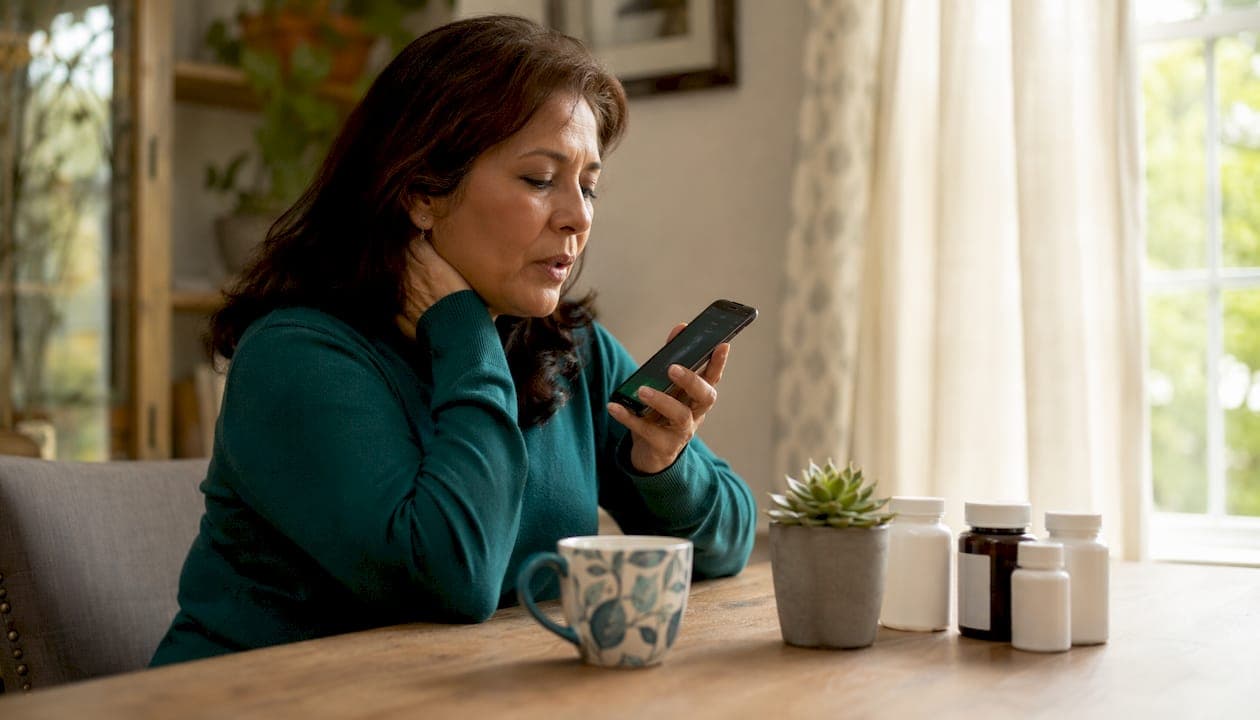
For family caregivers managing medically complex loved ones, the most practical approach is a voice-first pain tracking app that converts daily observations into a clinician-ready timeline. Start with Care Chronicle: install it, enable voice journaling, and set one daily reminder. That's the whole setup.
Table of Contents
- Why does consistent pain tracking matter for medically complex loved ones?
- What should you record every time you log a pain episode?
- How do you build a daily tracking routine you can actually sustain?
- How do you share pain logs securely with a clinician in the U.S.?
- How should you evaluate a pain tracking app before committing?
- What does a 7-day setup plan look like for a busy caregiver?
- When does app tracking reach its limits, and when should you call a clinician now?
- Key Takeaways
- What voice-first tracking actually changes about clinic visits
- Care Chronicle gives caregivers a ready-made voice-first system
- Useful sources for caregivers who want to go deeper
Why does consistent pain tracking matter for medically complex loved ones?
Scattered memories make poor evidence. A structured pain log turns what you observed at 2 AM into objective data a neurologist or palliative care nurse can actually use. Correlation analysis frequently uncovers triggers and treatment responses that sporadic notes miss entirely, because patterns only emerge when you have enough consistent data points to connect.
For clinicians, a continuous log means faster medication adjustments, clearer handoffs between care teams, and stronger grounds for referrals. For you, it means walking into an appointment with a timeline instead of a stressed summary of the past three weeks.
Pro Tip: Start with one entry per day at the same time. A 30-second voice note at bedtime beats a detailed log you abandon early on.
What should you record every time you log a pain episode?
Clinicians need specific fields to make your log useful. Here's what to capture each time:
- Date and time of the episode or check-in
- Pain intensity on a 0–10 scale
- Location on the body (be precise: "lower left back near hip," not "back")
- Pain quality (burning, stabbing, aching, throbbing)
- Triggers or recent events (activity, food, stress, weather)
- Medications taken, dose, and time administered
- Medication effect noted 30–60 minutes later
- Sleep quality from the previous night
- Mood (brief: calm, anxious, irritable)
- Activity level for the day
- Any unusual events (fall, new symptom, behavioral change)
- Photos if there's a visible symptom (rash, swelling)
Medication-effect fields materially speed up medication reconciliation during clinic visits. Clinicians use that column to adjust dosing schedules and evaluate efficacy on the spot.
A complete entry looks like this:
For quick daily check-ins, three fields are enough: intensity, location, and medications. Save the fuller entry for days when something changes significantly.
How do you build a daily tracking routine you can actually sustain?
Three steps, done in under five minutes total.
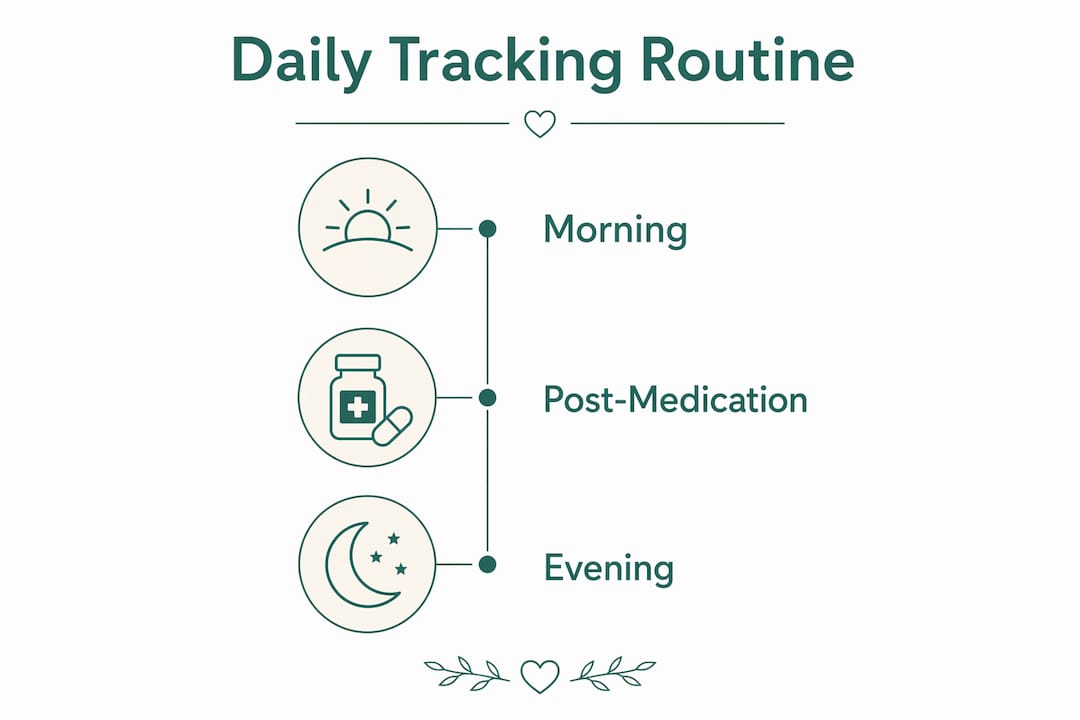
Morning (60 seconds): Open the app and leave a voice note while you're making coffee or getting your loved one ready. Say the pain level, location, and how they slept. You don't need to type anything.

Post-medication (30 seconds): Log the medication name, dose, and time. Set a reminder for 45 minutes later to add a one-line effect note. This is the field clinicians ask about most.
Evening (90 seconds): One summary sentence. "Good day, pain stayed around 3, no new symptoms" is enough. If something significant happened, add detail then, not earlier when you're still in the middle of it.
Voice transcription reduces cognitive load for caregivers managing complex medical histories because it preserves context you'd otherwise lose by the time you sit down to type. You speak the way you think; the app organizes it.
Pro Tip: Attach your evening entry to an existing habit, like locking the front door or turning off the TV. Habit-stacking cuts the friction to nearly zero within a week.
How do you share pain logs securely with a clinician in the U.S.?
Start with this: prioritize apps that offer encrypted cloud backups or secure local storage, and always verify you can export your data before you subscribe.
Most consumer symptom trackers are not HIPAA-covered entities. That matters because HIPAA governs healthcare providers and insurers, not the apps you download from the App Store. Sharing a PDF from a consumer app with your loved one's doctor is legal and common, but the app itself isn't bound by the same data-protection rules as the clinic. Read the privacy policy before you store sensitive information.
| Export step | What to include |
|---|---|
| Generate PDF or timeline | Full date range since last appointment |
| Add medication list | Drug name, dose, frequency, prescribing provider |
| Highlight changes | Any new symptoms, spikes, or pattern shifts |
| Attach secure link (if available) | Share directly with the care team portal |
| Keep a local copy | Download and store on your own device |
Clinicians find exportable, chronological PDF reports far more useful than screenshots or handwritten notes. A continuous timeline with medication timestamps and severity scores gives them a narrative they can act on.
How should you evaluate a pain tracking app before committing?
Choose for sustained use, not feature count. An app you open every day with three fields beats one with twenty fields you abandon by week two. Minimal setup and rapid entry are what separate tools caregivers actually stick with from ones that collect dust.
Features that matter most for caregivers:
- Voice transcription for hands-free entry
- Multi-contributor support (so other family members or aides can add entries)
- PDF export and shareable timeline links
- Medication logging with effect tracking
- Customizable symptom fields for your loved one's specific conditions
- Reminders with flexible scheduling
- Offline mode for hospital visits with spotty Wi-Fi
- Clear data ownership and export rights
Questions to ask before subscribing:
- Is there a free trial, and how long?
- What export formats are available (PDF, CSV, secure link)?
- How many contributors can access one account?
- What happens to my data if I cancel?
- Is storage encrypted?
Red flags to walk away from:
- No export function at all
- Data shared with advertisers or third parties
- No multi-user or multi-contributor option
- Opaque or hidden pricing after the trial
- No privacy policy or vague data-ownership terms
Consumer apps vary widely on privacy and export options. Some offer device-only storage; others offer encrypted cloud backup with full export. Never assume, always check.
For caregivers coordinating complex care across multiple providers, including specialists like ENT clinicians, a resource like safe procedures for elderly patients can complement what your pain log captures.
What does a 7-day setup plan look like for a busy caregiver?
Commit five minutes a day for one week. By day seven, you'll have a clinician-ready report and a habit that runs on autopilot.
- Day 1: Install the app, enable voice entry, set one daily reminder for the evening.
- Day 2: Add your loved one's current medications, doses, and frequencies. Create a short list of their recurring symptoms as custom fields.
- Day 3: Follow the three-step daily routine (morning voice note, post-med log, evening summary). Keep it short.
- Day 4: Same routine. Add a mood and sleep field if you haven't yet.
- Day 5: Same routine. Note any pattern you've already noticed (pain spikes after a specific medication, worse sleep on high-pain days).
- Day 6: Same routine. Review the week's entries and flag anything worth raising at the next appointment.
- Day 7: Export a PDF or timeline. Review it as if you were the clinician. Add a brief summary note at the top. Share it with the care team before or at the next visit.
If you miss a day, add a single retroactive note the next morning: date, approximate pain level, any medications given. Gaps are fine; complete gaps are not.
When does app tracking reach its limits, and when should you call a clinician now?
Tracking supplements clinical judgment. It does not replace it. An app captures what you observe; it cannot measure vitals, detect internal changes, or interpret what a symptom means medically.
Honest limitations to keep in mind:
- Observational bias: entries reflect what you noticed, not the full picture
- Missing vitals: no blood pressure, oxygen saturation, or lab values
- Data gaps from missed entries reduce pattern clarity
- Patterns typically take two to four weeks of consistent logging to emerge
Contact a clinician immediately for:
- New focal weakness or sudden loss of function
- Sudden severe pain that is uncontrolled by usual medications
- Difficulty breathing or swallowing
- Rapid change in mental status or consciousness
- New high fever in an immunocompromised patient
- Any symptom the care team has specifically told you to watch for
Key Takeaways
A voice-first pain tracking app that generates clinician-ready exports is the most practical tool for caregivers managing medically complex loved ones.
| Point | Details |
|---|---|
| Start with voice entry | A 30-second voice note daily beats a detailed log you abandon; habit-stack it to an existing routine. |
| Log the right fields | Capture intensity, location, medication timing, and effect at minimum; fuller entries on significant days. |
| Export before every appointment | A chronological PDF with medication timestamps gives clinicians a narrative they can act on immediately. |
| Check privacy before subscribing | Verify encryption, data ownership, and export formats; consumer apps are not HIPAA-covered entities. |
| Care Chronicle is the recommended option | It combines voice transcription, multi-contributor timelines, and exportable PDFs with a 7-day free trial. |
What voice-first tracking actually changes about clinic visits
The difference shows up the first time you hand a clinician a PDF instead of trying to remember three weeks of symptoms on the spot. Appointments shift from reconstruction to review. The clinician spends less time asking clarifying questions and more time making decisions.
Voice notes preserve the context that typed entries lose. When you speak, you include the details you'd edit out when typing: "she seemed more confused than usual right after the second dose" is the kind of observation that changes a medication decision. That nuance rarely survives the translation to a text field.
Caregivers who track consistently also report feeling less anxious before appointments, not because the situation is better, but because they're prepared. A timeline is a form of confidence.
Care Chronicle gives caregivers a ready-made voice-first system
Care Chronicle is built specifically for the situation this guide describes: a medically complex loved one, multiple caregivers, and a care team that needs organized, shareable records.
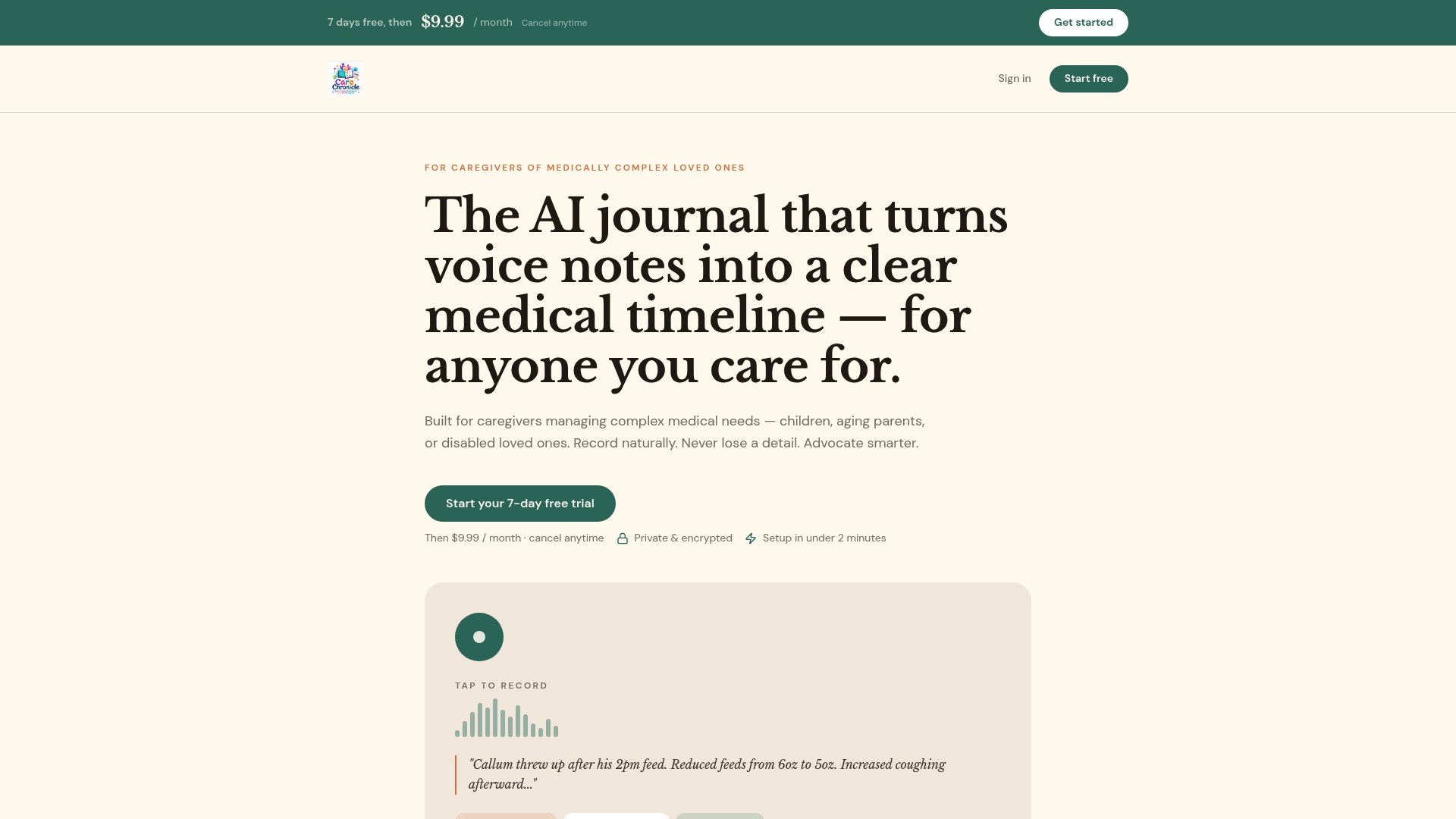
Voice notes go in as you speak and come out as a searchable, chronological medical timeline. Medications, symptoms, and clinical events sit in one place, organized by date, ready to export as a PDF or share via a secure link. Multiple family members or aides can contribute entries to the same timeline, so nothing falls through the cracks between shifts.
The 7-day free trial gives you enough time to build the habit, run through the setup plan above, and generate your first clinician-ready report before you pay anything. After the trial, it continues as a monthly subscription.
If you're ready to stop reconstructing your loved one's medical history from memory before every appointment, start the trial today at mycarechronicle.com.
Useful sources for caregivers who want to go deeper
- Bearable Symptom Tracker: Covers correlation analysis between symptoms, medications, sleep, and mood. Useful for understanding what pattern recognition actually looks like in practice.
- My Pain Diary: Demonstrates how exportable, chronological reports improve clinical utility compared to fragmented notes.
- Chronic Insights: Addresses data privacy, encrypted storage, and the usability principles behind sustained caregiver tracking.
- Trace: Illustrates the range of storage and export options across consumer symptom trackers, useful for comparison before subscribing.
- Apple Health: Provides encrypted health data storage and medication reminders; a useful companion for iOS users who want a secondary backup of health records.