
When you're coordinating care for a child with a chronic condition or an aging parent with dementia, the best doctor appointment app isn't the one with the slickest interface. It's the one that is explicitly HIPAA-compliant, signs a Business Associate Agreement (BAA), connects to your provider's EHR, filters by insurance network, and lets another family member book on your behalf. Start your evaluation with one concrete test: open a trial account, enter your insurance details, and try booking an in-network appointment while prefilling the intake form. If either step breaks down, move on. Pair whichever app you choose with Mycarechronicle to preserve the longitudinal notes and visit summaries that scheduling apps never store.
Table of Contents
- What features does the best doctor appointment app need?
- Why each feature matters for complex caregiving
- How do you choose the right app for your situation?
- A step-by-step setup for caregivers
- Decision matrix: compare apps on what actually matters
- Key Takeaways
- What caregivers actually need from these tools
- Mycarechronicle fills the gap scheduling apps leave behind
- Useful sources
What features does the best doctor appointment app need?
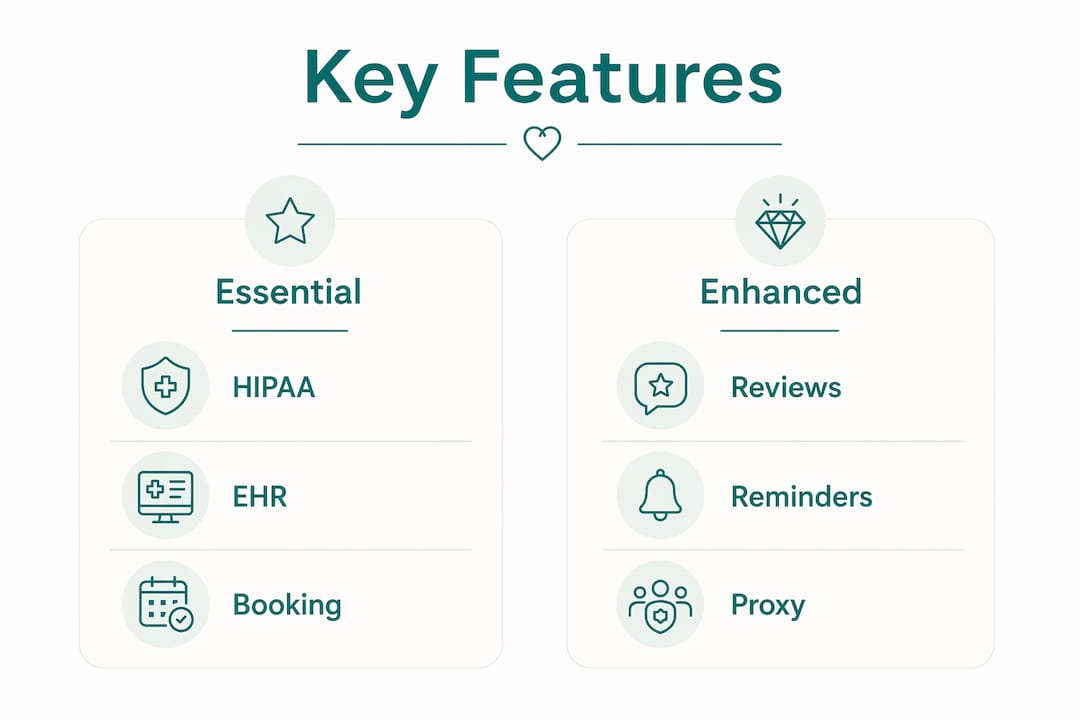
For caregivers managing complex cases, eight features separate a useful tool from a frustrating one:
- HIPAA compliance and a signed BAA. Without a BAA, the vendor is not contractually bound to protect protected health information (PHI). Confirm it exists before entering any patient data.
- EHR integration or a certified connector. EHR-connected scheduling keeps appointment data synchronized with medical records and billing automatically.
- Insurance and in-network filtering. Accurate network filtering shortens the search for covered clinicians and reduces surprise bills.
- Real-time availability and instant booking. "Request to book" flows add 24–48 hours of lag. You need confirmed slots, not pending requests.
- Verified patient reviews. Volume and recency matter. A provider with three reviews from 2019 tells you almost nothing.
- Secure digital intake forms. Prefilling intake forms before the visit reduces clinic wait time and keeps the appointment focused on clinical care.
- Proxy and multi-user access. A caregiver must be able to book, reschedule, and receive confirmations on behalf of the patient without sharing login credentials.
- Automated reminders and confirmations. SMS, email, or in-app alerts reduce no-shows and give you a paper trail for every scheduled visit.
Why each feature matters for complex caregiving
HIPAA and the BAA. HIPAA compliance is a legal floor, not a differentiator. What actually matters is whether the vendor will sign a BAA, which creates a contractual obligation to handle PHI correctly. Look for a dedicated security or compliance page on the vendor's site. If it does not exist or uses vague language like "we take privacy seriously," that is a red flag. One verification step: email their support team and ask directly. A legitimate vendor answers within one business day.
EHR integration. There are three types: a native connector built into the practice's own system, a certified HL7/FHIR connector that exchanges structured data, and a looser API or patient portal link. Scheduling embedded in the provider's own platform eliminates fragmented syncing between booking and clinical records. Consumer-facing apps that book across many practices often use the third type, which means appointment data may not flow back into the clinical record at all. For a patient seeing five specialists, that gap compounds fast.
Insurance filtering. The goal is simple: enter your plan, see only in-network providers. Apps that surface out-of-network results without a clear label waste your time and create billing risk. Test this during a trial by entering a specific plan and verifying a result against your insurer's own directory.
Real-time booking vs. request flows. True live-slot booking confirms the appointment instantly. Request-to-book flows send a message to the practice and wait for staff to respond. For routine visits, the lag is tolerable. For a specialist with a six-week wait, a confirmed slot matters. During your trial, book a low-stakes appointment and note whether you receive an immediate confirmation or a pending notice.

Verified reviews and provider details. Check that the platform displays review count, date, and specialty. A provider profile with a high rating but fewer than ten recent reviews should be treated as unverified.
Secure intake forms and previsit prep. Caregivers managing complex conditions reduce visit stress significantly by completing intake forms before arriving. The most important fields: current medications, active diagnoses, reason for visit, and any recent symptom changes. Apps that support digital previsit forms let clinicians review this before the patient walks in.
Proxy and multi-user access. One caregiver should hold master access. Other family members can be granted proxy roles with limited permissions. Confirm that the app distinguishes between the patient account and the caregiver account, and that proxy bookings appear in both calendars.
Reminders and confirmations. SMS reminders reach caregivers faster than email. In-app confirmations create a searchable record. The best setup uses all three: an immediate booking confirmation, a reminder 48 hours before, and a same-day alert.
Pro Tip: To verify security claims without a technical background, search the vendor's site for "SOC 2," "HIPAA," and "BAA." Then check independent healthcare scheduling security reviews to cross-reference what vendors claim against what analysts find.
How do you choose the right app for your situation?
Ask these questions before committing to any platform:
- Do you sign a BAA? If the answer is anything other than yes, stop.
- Which EHRs do you connect to? Ask for a specific list. "We integrate with major EHRs" is not an answer.
- How is insurance verified? Is it real-time eligibility checking or manual entry?
- Can a family member have proxy access? What permissions can be set, and can they be changed later?
- What platforms are supported? Confirm iOS, Android, and web browser access.
- What is your cancellation and refund policy? Can appointments be rescheduled inside the app, and is there a no-show fee?
Red flags to watch for: vague security language with no compliance page, no explicit BAA offer, opaque or hidden pricing, no provider-side EHR integration, and no multi-user or proxy option.
On cost: pricing shapes vary widely. Consumer-facing apps are often free to patients because the practice pays a per-booking fee. Subscription tiers for practice-side tools can run from free basic plans to per-provider monthly fees. When multiple family members need access, confirm whether proxy accounts cost extra. A free app that charges the practice per booking may limit which providers participate, narrowing your in-network options.
A step-by-step setup for caregivers
Getting the app configured correctly from day one prevents problems later.
- Create your account and locate the BAA or privacy settings. Screenshot both and store them in your caregiver journal.
- Enter your insurance plan details to activate in-network filtering before you search for any provider.
- Enable reminders and calendar sync. Connect to your household calendar so appointments appear alongside other family commitments.
- Invite proxy users and set permissions. Assign the appropriate role to each family member who may need to book or receive confirmations.
- Run a test booking. Use a low-stakes appointment, complete the intake form, and confirm that a reminder arrives. This tests the full workflow before a high-stakes visit.
Daily workflow: use the app to discover available slots, confirm bookings, and complete intake forms 24–48 hours before each visit. After the appointment, log the outcome, provider instructions, and any medication changes into Mycarechronicle. This creates a longitudinal timeline that scheduling apps never maintain. Connect that timeline to a shared family calendar so everyone stays current.
Pro Tip: Store BAA screenshots and privacy policy PDFs as attachments in a Mycarechronicle journal entry tagged to the relevant provider. When a clinician asks for documentation of a past authorization, you have it in seconds.
Decision matrix: compare apps on what actually matters
Score each app 1–5 on every dimension. Weight security and EHR connectivity at 2x for complex cases.
| Dimension | What to evaluate | Weight |
|---|---|---|
| Security / HIPAA compliance | BAA availability, SOC 2, encryption details | 2x |
| EHR integration type | Native, HL7/FHIR certified, or API/portal only | 2x |
| Insurance filtering | Real-time eligibility vs. manual entry | 1x |
| Real-time booking | Instant confirmation vs. request-to-book | 1x |
| Caregiver features | Proxy access, role permissions, shared calendar | 1x |
| Reminders and confirmations | SMS + email + in-app, timing options | 1x |
| Verified reviews | Volume, recency, specialty shown | 1x |
| Platform support | iOS, Android, web | 1x |
| Pricing model | Free, subscription, per-booking, per-user | 1x |
How to score: after a trial run, assign 1 (absent) to 5 (fully implemented) for each row. Multiply security and EHR scores by 2. Total the weighted scores. Any app scoring below 3 on either weighted dimension should be eliminated regardless of total score. Set your acceptance threshold at 70% of the maximum possible weighted score before you start, so the decision is objective rather than driven by whichever app you tested last.
Use the independent scheduling platform comparisons to cross-check your trial findings against analyst assessments of security and integration depth.
Key Takeaways
For family caregivers, the right medical scheduling app must clear three non-negotiable bars: a signed BAA, confirmed EHR connectivity, and working proxy access for family members.
| Point | Details |
|---|---|
| Verify HIPAA and BAA first | No BAA means no contractual protection for patient data — confirm before entering any information. |
| Test EHR integration type | Native or HL7/FHIR connectors keep records synchronized; API-only links often do not feed back into clinical records. |
| Use insurance filtering actively | Enter your plan before searching to see only in-network providers and avoid surprise billing. |
| Enable proxy access early | Set up family member permissions during onboarding so anyone can book or reschedule without sharing credentials. |
| Log outcomes in Mycarechronicle | After each visit, record provider instructions and medication changes to build a shareable longitudinal timeline. |
What caregivers actually need from these tools
Managing care for someone with a complex condition means juggling neurology, cardiology, and primary care simultaneously, often across different health systems. The features in this guide are not theoretical conveniences. When I'm trying to confirm that a specialist is in-network before a visit, a broken insurance filter costs real money. When a proxy booking fails because the app only supports single-user accounts, I'm the one on hold with the practice at 7 AM.
Prefilled intake forms are the single most underrated feature on this list. Arriving at a specialist appointment with current medications, active diagnoses, and recent symptom notes already in the system means the clinician spends the visit on clinical decisions rather than transcription. That shift is measurable in the quality of the conversation.
What scheduling apps cannot do is preserve what happens after the visit. Provider instructions, medication adjustments, follow-up timelines: these disappear unless someone records them. Mycarechronicle fills that gap by turning voice notes into a searchable timeline that can be shared with the next specialist before they even open the chart. The scheduling app gets you in the door. The journal keeps the thread.
Mycarechronicle fills the gap scheduling apps leave behind
Every scheduling app covered in this guide does one thing well: it gets an appointment on the calendar. What none of them do is preserve what happens during and after that visit. Mycarechronicle is built for exactly that gap.
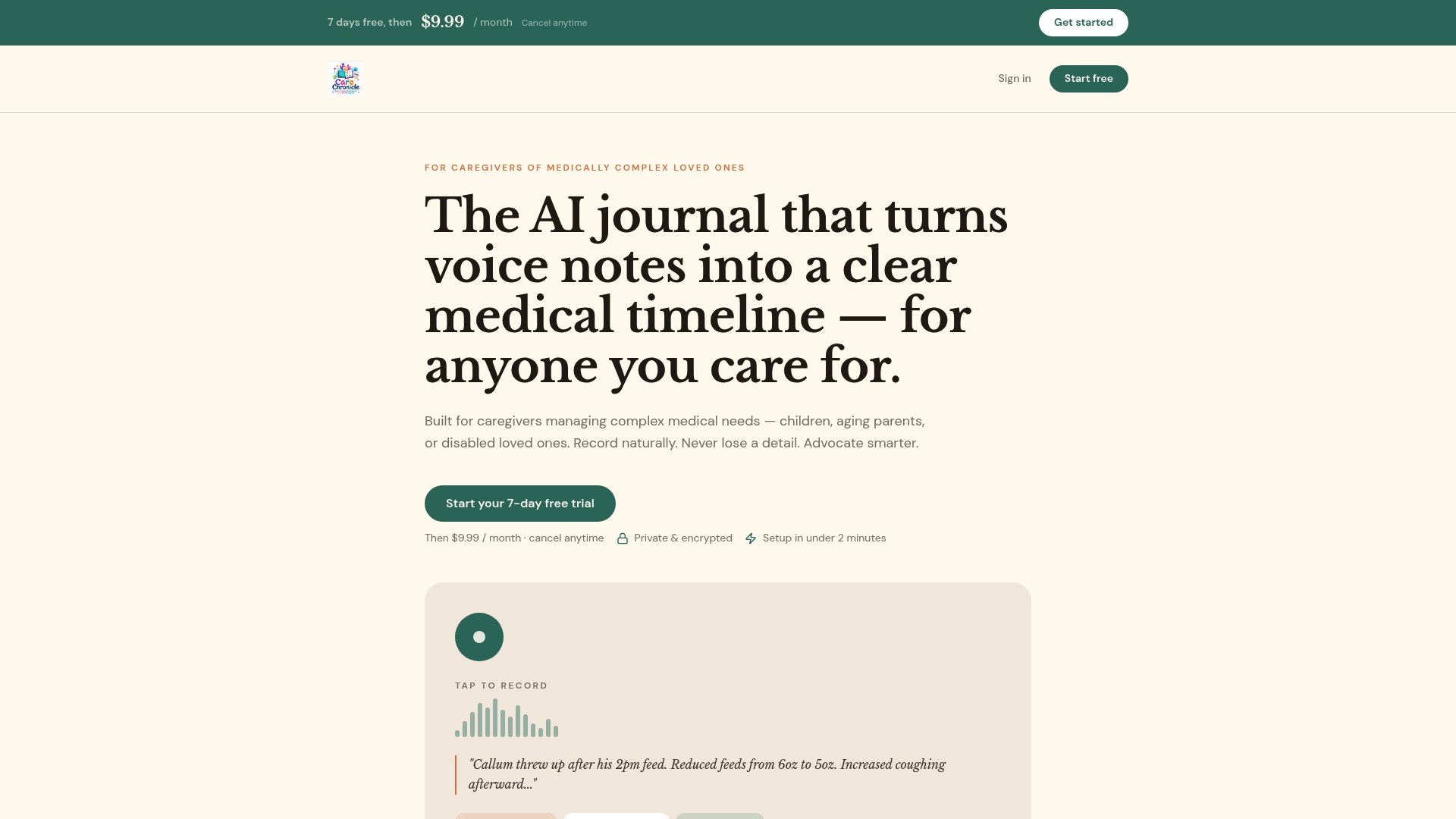
Mycarechronicle converts voice notes into a chronological medical timeline, tracks medications and symptoms across visits, and generates exportable summaries you can share with any clinician before the next appointment. Multiple family members can contribute entries, and the timeline is searchable by date, provider, or symptom. Store your BAA screenshots there. Log post-visit instructions the moment you leave the clinic. Share a visit summary with a specialist who has never seen your loved one before.
The 7-day free trial requires no credit card commitment. Start it the same day you configure your scheduling app, and you'll have a complete coordination stack in place before the next appointment.
Useful sources
- HIPAA compliance and EHR integration in medical scheduling — Phreesia Appointment Scheduling Software — covers BAA requirements, EHR connectivity, and automated intake workflows.
- In-network search, real-time availability, and previsit forms — Zocdoc — consumer-facing reference for insurance filtering, verified reviews, and digital intake.
- HIPAA-compliant scheduling software overview — Knack Healthcare Scheduling — explains embedded scheduling vs. fragmented third-party booking.
- iOS platform availability and user experience benchmarks — Zocdoc on the App Store — platform support and accessibility reference.
- Android platform availability — Zocdoc on Google Play — cross-platform availability and feature parity reference.
- Provider-side scheduling and clinical record synchronization — Mayo Clinic App — example of provider-native scheduling integrated with patient records.